
This is the print version of this page. All content is copyright Indezine.com 2000-2026.
Definitions and resources for terms and techniques used in the world of presentations
See Also:
PowerPoint and Presenting Notes
PowerPoint and Presenting Glossary
Presentations Glossary in alphabetical order:
A |
B |
C |
D |
E |
F |
G |
H |
I |
J |
K |
L |
M |
N |
O |
P |
Q |
R |
S |
T |
U |
V |
W |
X |
Y |
Z
There can be any number of reasons to troubleshoot video playback in PowerPoint. You may end up with choppy video, or you may not be able to play video clips of some types on all versions of PowerPoint. We will look at such video issues in PowerPoint on this page, along with suggested solutions.
To learn more, click a link from the tutorials listed below.
Troubleshooting Video Playback in PowerPoint

Tutorial Code: 14 07 01
Previous: 14 06 01 Screen Recording in PowerPoint
Next: 14 07 02 Support for YouTube Videos in PowerPoint
Filed Under:
V
Tagged as: 14-07, Multimedia, PowerPoint Tutorials, Video Troubleshooting
Comments Off on Video Troubleshooting: Troubleshooting Video Playback in PowerPoint
A stock chart is a price chart of a specific stock, plotted over a time frame. Stock charts can be both stick or candle charts, or both at the same time. Most stock charts also mention the ticker or stock symbol of the stock. This ticker is typically an abbreviated name of the stock using 2 to 5 characters. Additionally, they also specify the exchange where this stock is traded.
To learn more, choose your version of PowerPoint. If we do not have a tutorial for your version of PowerPoint, explore the version closest to the one you use.

Tutorial Code: 10 14 08
Previous: 10 14 07 XY (Scatter) Charts in PowerPoint
Next: 10 14 09 Surface Charts in PowerPoint
Filed Under:
P
Tagged as: 10-14, Charts and Graphs, PowerPoint Chart Types, PowerPoint Tutorials
Comments Off on PowerPoint Chart Types: Stock Charts in PowerPoint
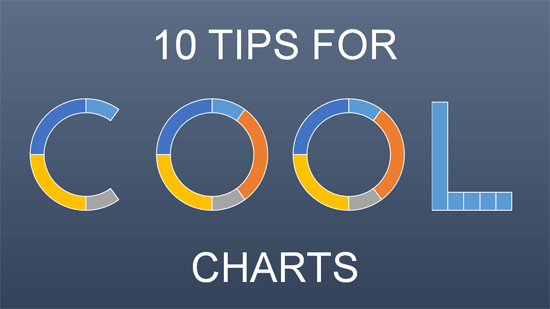
Creating charts can be both easy and difficult, it all depends upon what you want to end up with! The easiest way is to just accept all the defaults that PowerPoint provides. The difficult way is to fine tune each aspect of the chart until you have just what you wanted. While the difficult way does get the best results, you must know that between the easy and difficult ways is a third option, the clever way.
To learn more, click a link from the tutorials listed below.
Ten Tips for Cool PowerPoint Charts in PowerPoint
Tutorial Code: 10 15 01
Previous: 10 14 15 Gantt Charts in PowerPoint
Next: 10 15 02 PowerPoint Chart Tips 01: Clean Charts
Filed Under:
T
Tagged as: 10-15, Charts and Graphs, PowerPoint Tutorials, Ten Tips for Cool PowerPoint Charts
Comments Off on Ten Tips for Cool PowerPoint Charts: Ten Tips for Cool Charts in PowerPoint
The axis is the measuring scale that is typically placed towards the left and bottom of your chart. Normally, the axis on the left is called the Primary Vertical Axis and the axis placed at the bottom is called the Primary Horizontal Axis. Two more axes can be placed for most chart types.
To learn more, choose your version of PowerPoint. If we do not have a tutorial for your version of PowerPoint, explore the version closest to the one you use.

Tutorial Code: 10 08 01
Previous: 10 07 01 Chart Title in PowerPoint
Next: 10 08 02 Axis Titles in PowerPoint
Filed Under:
C
Tagged as: 10-08, Chart Axes, Charts and Graphs, PowerPoint Tutorials
Comments Off on Chart Axes: Axes in PowerPoint
think-cell is at the forefront of developing presentation software that works seamlessly with Microsoft PowerPoint, making it a great choice when it comes to professional infographic slides.
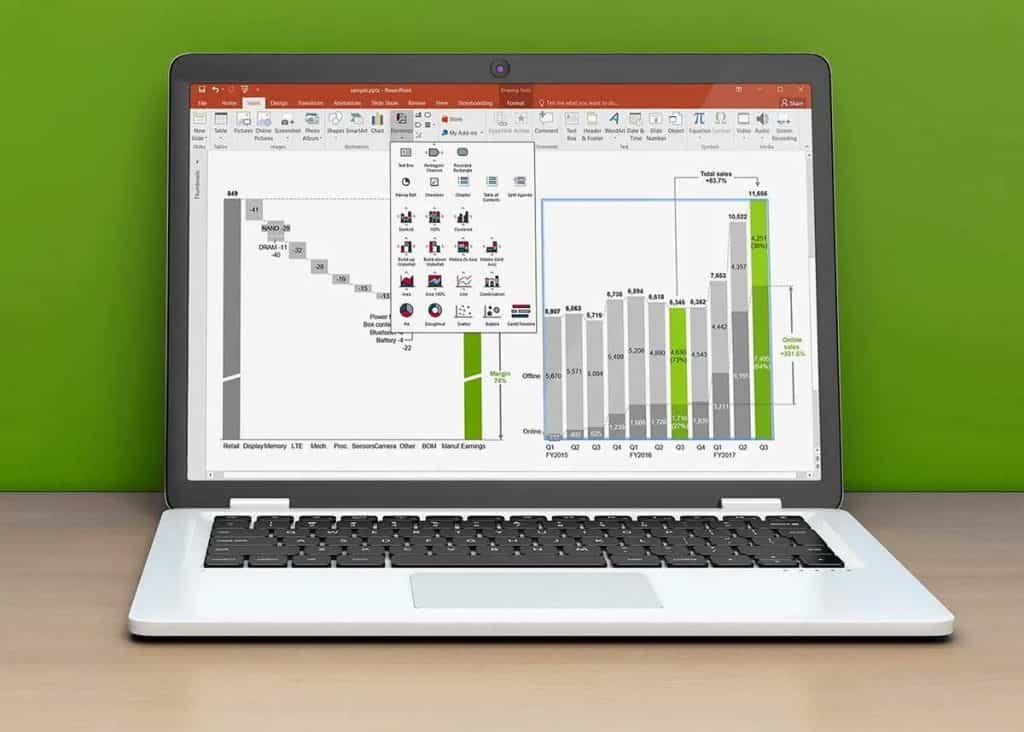
Here’s a list of links on Indezine.com where think-cell has been featured:
 Create a Gantt Chart in think-cell for PowerPoint
October 14, 2024
 Waterfall Charts using think-cell add-in for PowerPoint
June 25, 2024
 PowerPoint Best Practices eBook from think-cell: Conversation with Akash Choudhary
June 21, 2023
 think-cell Niceties in PowerPoint
October 3, 2022
 Adding Harvey Balls Using think-cell in PowerPoint
May 11, 2022
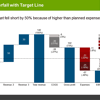 Five Best Features of think-cell
April 26, 2022
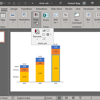 Exploring think-cell version 11
March 19, 2021
 think-cell 10: Now works on Office for Mac
June 3, 2019
think-cell version 9: Conversation with Markus Hannebauer
July 6, 2018
 think-cell: Conversation with Markus Hannebauer
December 22, 2009
You May Also Like: Markus Hannebauer on Presglossary
Filed Under:
T
Tagged as: Add-in, think-cell
Comments Off on think-cell
Microsoft and the Office logo are trademarks or registered trademarks of Microsoft Corporation in the United States and/or other countries.