
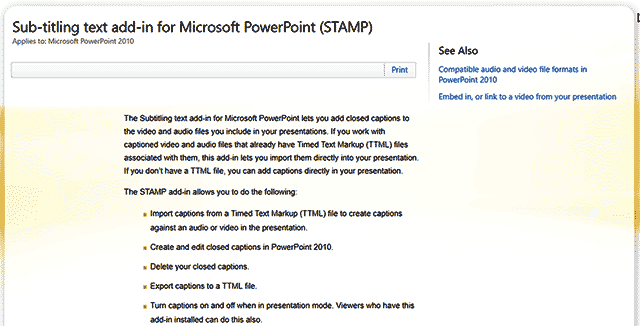
Microsoft has made available STAMP (Sub-titling text add-in for Microsoft PowerPoint), a free add-in for PowerPoint that enables you to create captions for video and audio files within your PowerPoint presentations. In addition to manually adding captions, you can also work with any media files that have associated Timed Text Markup (TTML) files. This add-in lets you import the TTML files directly into your presentation.
To learn more, choose your version of PowerPoint. If we do not have a tutorial for your version of PowerPoint, explore the version closest to the one you use.
Microsoft Windows
STAMP – Accessibility Add-in in PowerPoint 2016, 2013, and 2010
Tutorial Code: 18 03 01
Previous: 18 02 01 Touch or Mouse Mode in PowerPoint
Next: 18 03 02 Download and Install the STAMP Add-in in PowerPoint