
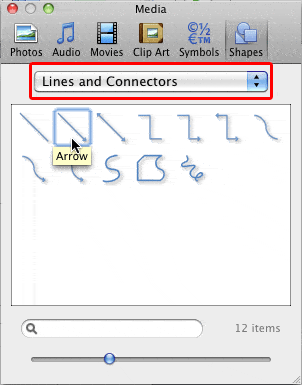
Connectors are lines that link different flowchart shapes (or any shapes you place within your Microsoft Office documents). They are different from conventional lines because connectors, as the name implies stay connected to the shapes they are linked to. Move any “connected” shape, and the connectors move and reorient with the shapes automatically.
To learn more, choose your version of PowerPoint. If we do not have a tutorial for your version of PowerPoint, explore the version closest to the one you use.
Microsoft Windows
Using Flowchart and Connector Shapes Together in PowerPoint for Windows
Apple Mac
Using Flowchart and Connector Shapes Together in PowerPoint for Mac
Tutorial Code: 07 02 01
Previous: 07 01 03 Basics Flowchart Techniques: Flowchart Symbols – What they Represent?
Next: 07 02 02 Advanced Flowchart Techniques: Formatting Connectors within Flowcharts