
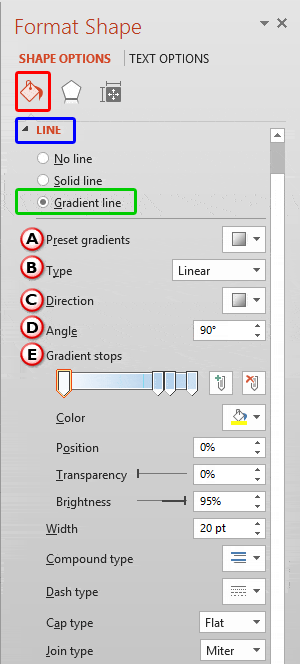
PowerPoint provides plenty of options to format Shape Lines, and this tutorial explores an attribute that’s rarely associated with shape lines but can provide a surprisingly different look, especially when applied to lines that are thicker in weight. This attribute, Gradient Lines is not accessible from the Shape Line gallery in the Ribbon but directly from the Format Shape Task Pane.
To learn more, choose your version of PowerPoint. If we do not have a tutorial for your version of PowerPoint, explore the version closest to the one you use.
Microsoft Windows
Gradient Lines in PowerPoint 2016
Gradient Lines in PowerPoint 2013
Gradient Lines in PowerPoint 2010
Gradient Lines in PowerPoint 2007
Apple Mac
Gradient Lines in PowerPoint 2016
Gradient Lines in PowerPoint 2011
Tutorial Code: 08 02 05
Previous: 08 02 04 Formatting Arrowheads for Line Shapes in PowerPoint
Next: 08 02 06 Pattern Lines for Shapes in PowerPoint