
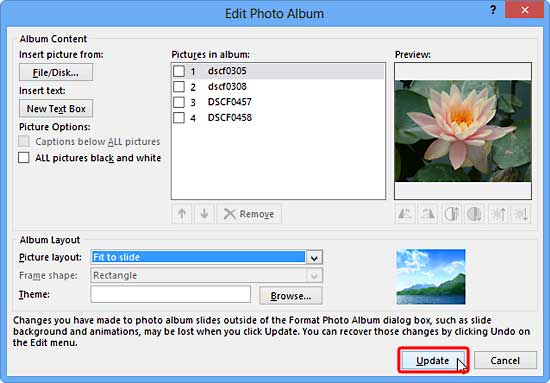
Once your Photo Album presentation has been created, you don’t reach a dead-end stop! In fact there is so much you can still do to make non-destructive edits to your photo album presentation.
To learn more, choose your version of PowerPoint. If we do not have a tutorial for your version of PowerPoint, explore the version closest to the one you use.
Microsoft Windows
Editing Your Photo Album in PowerPoint 2013
Editing Your Photo Album in PowerPoint 2010
Tutorial Code: 09 07 02
Previous: 09 07 01 Create Photo Album in PowerPoint
Next: 09 07 03 Reorder, Remove, and Edit Photos within Photo Album in PowerPoint