
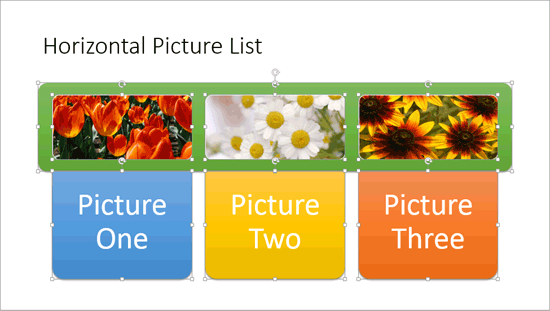
SmartArt is a great new feature that Microsoft added in PowerPoint. Yet, many users want to convert their SmartArt graphic to bulleted text, or even to individually editable shapes to manipulate further. Yes, you can convert SmartArt to individual shapes, but do remember that this is a one-way process, and you lose any editability for the SmartArt graphic from that point in time. However, converting to shapes does mean that you have complete control over moving, resizing, deleting, or formatting individual shapes.
To learn more, choose your version of PowerPoint. If we do not have a tutorial for your version of PowerPoint, explore the version closest to the one you use.
Microsoft Windows
Convert SmartArt Graphics to Shapes in PowerPoint 2013
Convert SmartArt Graphics to Shapes in PowerPoint 2010
Apple Mac
Convert SmartArt Graphics to Shapes in PowerPoint 2011
Tutorial Code: 11 03 05
Previous: 11 03 04 Move Shapes within SmartArt Graphics
Next: 11 03 06 Format Text Attributes of SmartArt Graphics in PowerPoint