
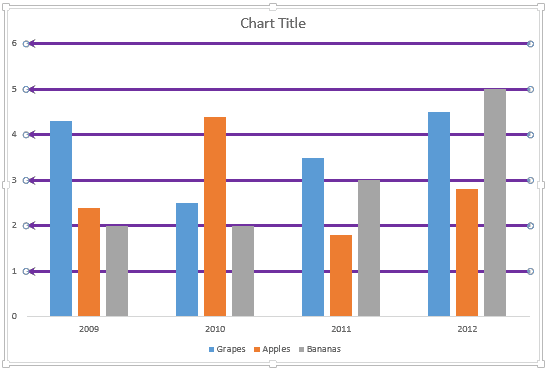
You might have noticed that by default, PowerPoint 2013 only shows Horizontal Major Gridlines on a chart. Yes, you can enable Vertical Gridlines too as we explored in our Chart Gridlines in PowerPoint tutorial, and more importantly, you can format these Gridlines to appear exactly as you want them to show.
To learn more, choose your version of PowerPoint. If we do not have a tutorial for your version of PowerPoint, explore the version closest to the one you use.
Microsoft Windows
More Chart Gridline Options in PowerPoint 2013
Apple Mac
More Chart Gridline Options in PowerPoint 2013
Tutorial Code: 10 04 02
Previous: 10 04 01 Chart Gridlines in PowerPoint
Next: 10 05 01 Chart Data Table in PowerPoint