December 9th, 2020
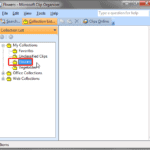
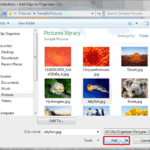
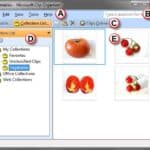
Clip Organizer: Edit Keywords in Clip Organizer in PowerPoint

See Also:
PowerPoint and Presenting Notes
PowerPoint and Presenting Glossary
 Mike Parkinson
Mike Parkinson (Microsoft MVP, CPP APMP Fellow) is an internationally recognized visual communication and presentation expert and a multi-published, award-winning author. He regularly contributes articles and conducts educational seminars to companies like Microsoft, Motorola, Dell, Xerox, and Lockheed Martin as well as at learning institutions, government agencies, and conferences around the world. Mike owns a ...
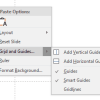 Working with Slides: Guide Options in PowerPoint
Among the many features in PowerPoint, there are some that are more useful than the others. Options for using Guides are certainly vital. Many users are not aware of all the capabilities that Guides offer. To learn more, choose your version of PowerPoint. If we do not have a tutorial for your version of PowerPoint ...
 Advanced Chart Techniques: Using the Invert if Negative Option for Charts in PowerPoint
If your chart has negative values, then PowerPoint by default uses the same fill color for negative values in any chart. You can override this nature with the Invert if Negative option. To learn more, choose your version of PowerPoint. If we do not have a tutorial for your version of PowerPoint, explore the version ...
Microsoft and the Office logo are trademarks or registered trademarks of Microsoft Corporation in the United States and/or other countries.