
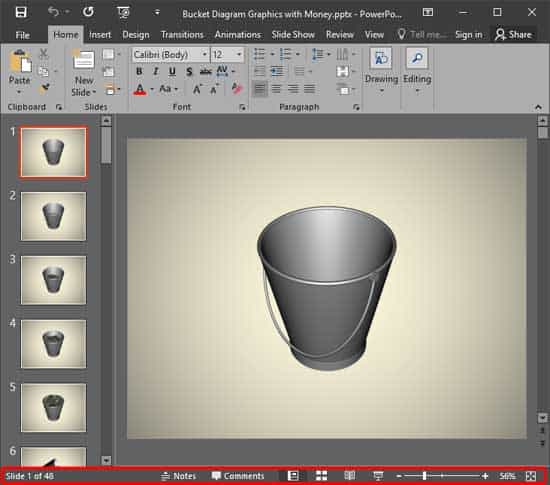
The Status Bar is a thin strip located at the bottom of the PowerPoint interface. This area provides information about the active slide and also provides several View options. To work with options in the Status Bar, you must have a presentation open in PowerPoint; otherwise, the options within the Status Bar will be grayed out.
To learn more, choose your version of PowerPoint. If we do not have a tutorial for your version of PowerPoint, explore the version closest to the one you use.
Microsoft Windows
Apple Mac
PowerPoint for the Web
Status Bar in PowerPoint for the Web
Tutorial Code: 01 05 04
Previous: 01 05 03 Ribbons and Tabs in PowerPoint
Next: 01 05 05 Notes Pane in PowerPoint