
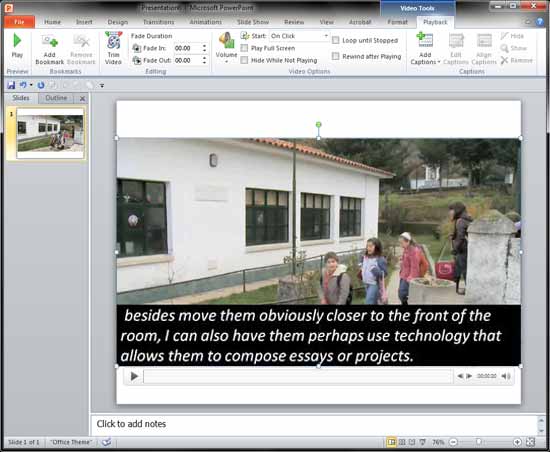
It’s so easy to create and insert captions using the Caption Editor within the STAMP add-in for PowerPoint. But if your captions are already available as TTML files, you can import those captions into PowerPoint even more easily.
To learn more, choose your version of PowerPoint. If we do not have a tutorial for your version of PowerPoint, explore the version closest to the one you use.
Microsoft Windows
Import TTML Captions with STAMP in PowerPoint 2016, 2013, and 2010
Tutorial Code: 18 03 05
Previous: 18 03 04 TTML XML Files for the STAMP Add-in in PowerPoint
Next: 18 03 06 Edit Captions – STAMP Add-in in PowerPoint