
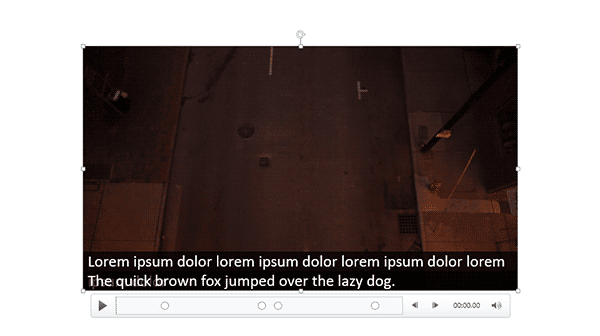
The STAMP add-in for PowerPoint is a free download from Microsoft that lets you add captions to media such as movie clips inserted in your slides. When installed, the STAMP add-in creates new buttons in the Video Tools Playback tab of the Ribbon in PowerPoint, within the Captions group of the Video Tools Playback tab, There are several options in this group that can be helpful while working with your existing captions.
To learn more, choose your version of PowerPoint. If we do not have a tutorial for your version of PowerPoint, explore the version closest to the one you use.
Microsoft Windows
Caption Options – STAMP Add-in in PowerPoint 2016, 2013, and 2010
Tutorial Code: 18 03 07
Previous: 18 03 06 Edit Captions – STAMP Add-in in PowerPoint
Next: 19 01 01 PowerPoint Designer in PowerPoint