
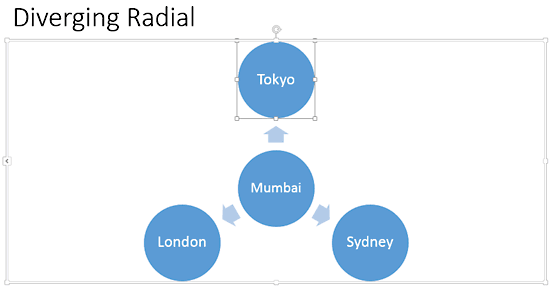
After inserting a SmartArt graphic within PowerPoint, or converting some bulleted text to SmartArt, you can easily add more shapes to your SmartArt graphics with just a click or two. You can even delete shapes from any existing SmartArt graphic.
To learn more, choose your version of PowerPoint. If we do not have a tutorial for your version of PowerPoint, explore the version closest to the one you use.
Microsoft Windows
Delete Shapes from Existing SmartArt Graphics in PowerPoint 2016
Delete Shapes from Existing SmartArt Graphics in PowerPoint 2013
Delete Shapes from Existing SmartArt Graphics in PowerPoint 2010
Apple Mac
Delete Shapes from Existing SmartArt Graphics in PowerPoint 2011
Tutorial Code: 11 02 02
Previous: 11 02 01 Adding Shapes to Existing SmartArt Graphics in PowerPoint
Next: 11 02 03 Change SmartArt Graphic Layouts in PowerPoint