
Saving a PowerPoint presentation as a PDF has its pros and cons. The biggest advantage is that recipients won’t be able to edit, and you can embed fonts easily. An even better advantage is that you may use PDFs as a substitute for printing drafts or finished slides, thus saving so much paper. Disadvantages include that you cannot be entirely multimedia-friendly. Whatever your thoughts may be, PowerPoint makes it very easy to create PDFs.
To learn more, choose your version of PowerPoint. If we do not have a tutorial for your version of PowerPoint, explore the version closest to the one you use.
Microsoft Windows
Save as PDF in PowerPoint 2016
Save as PDF in PowerPoint 2013
Save as PDF in PowerPoint 2010
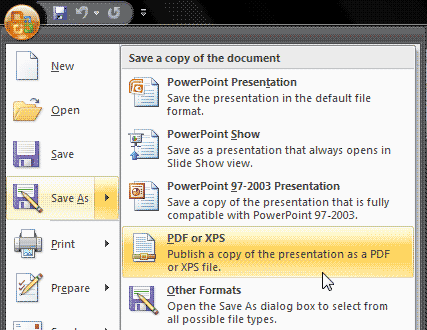
Save as PDF in PowerPoint 2007
Apple Mac
Save as PDF in PowerPoint 2011
Tutorial Code: 16 04 04
Previous: 16 04 03 Exporting Graphic File Formats in PowerPoint
Next: 16 04 05 Getting Save as PDF Add-in in PowerPoint