
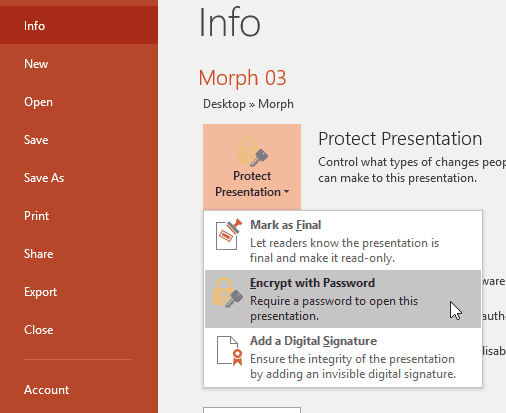
When you share your PowerPoint presentations with other people, you may want to protect or lock your content so that the slides may be accessed by only the people whom you permit to open the presentation. Or perhaps you have no problems with the recipients viewing slides but do not want them to be able to edit the presentation. PowerPoint 2016 provides an Encrypt with Password option to protect your presentation. However, let us ponder about why anyone would need to password-protect their PowerPoint presentations.
To learn more, choose your version of PowerPoint. If we do not have a tutorial for your version of PowerPoint, explore the version closest to the one you use.
Microsoft Windows
Encrypt with Password Option in PowerPoint 2016
Encrypt with Password Option in PowerPoint 2013
Encrypt with Password Option in PowerPoint 2010
Encrypt with Password Option in PowerPoint 2007
Encrypt with Password Option in PowerPoint 2003 and 2002
Tutorial Code: 16 02 03
Previous: 16 02 02 Remove Mark as Final in PowerPoint
Next: 16 02 04 Remove and Change Passwords in PowerPoint