
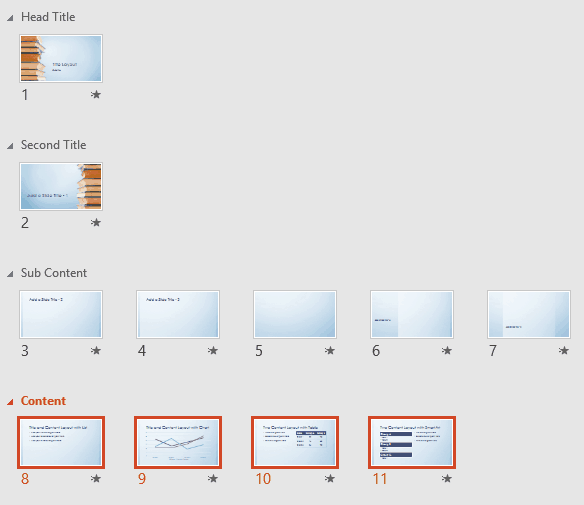
In PowerPoint, Sections are not just for effective and easy management of your slides, but they can also let you quickly reorder large blocks of adjacent slides. All you got to do is to place all slides you want to reorder within a single Section, and then move that Section.
To learn more, choose your version of PowerPoint. If we do not have a tutorial for your version of PowerPoint, explore the version closest to the one you use.
Microsoft Windows
Reordering Sections in PowerPoint 2016
Reordering Sections in PowerPoint 2013
Reordering Sections in PowerPoint 2010
Apple Mac
Reordering Sections in PowerPoint 2011
Tutorial Code: 01 12 05
Previous: 01 12 04 Removing Sections in PowerPoint
Next: 01 12 06 Viewing Sections in PowerPoint