
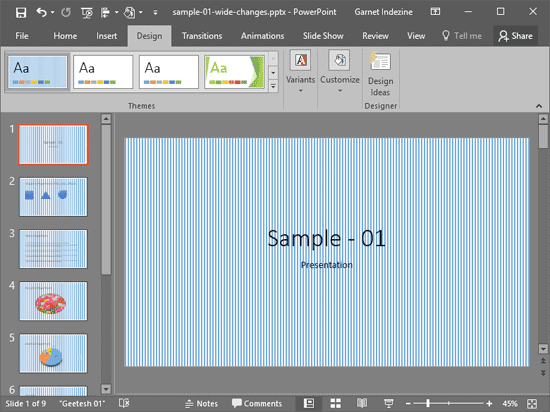
Patterns in PowerPoint are two-color designs comprising lines, dots, dashes, checks, etc. PowerPoint includes 48 such patterns with names like Plaid, Weaves, Shingle and Zigzag. This tutorial builds upon what you have already learned in the Format Slide Background tutorial, and shows how you can use a Pattern fill for your slide background.
To learn more, choose your version of PowerPoint. If we do not have a tutorial for your version of PowerPoint, explore the version closest to the one you use.
Microsoft Windows
Pattern Fills for Slide Backgrounds in PowerPoint 2016
Pattern Fills for Slide Backgrounds in PowerPoint 2013
Pattern Fills for Slide Backgrounds in PowerPoint 2010
Apple Mac
Pattern Fills for Slide Backgrounds in PowerPoint 2011
Tutorial Code: 08 06 08
Previous: 08 06 07 Texture Fills for Slide Backgrounds in PowerPoint
Next: 08 06 09 Artistic Effects for Picture Backgrounds in PowerPoint