
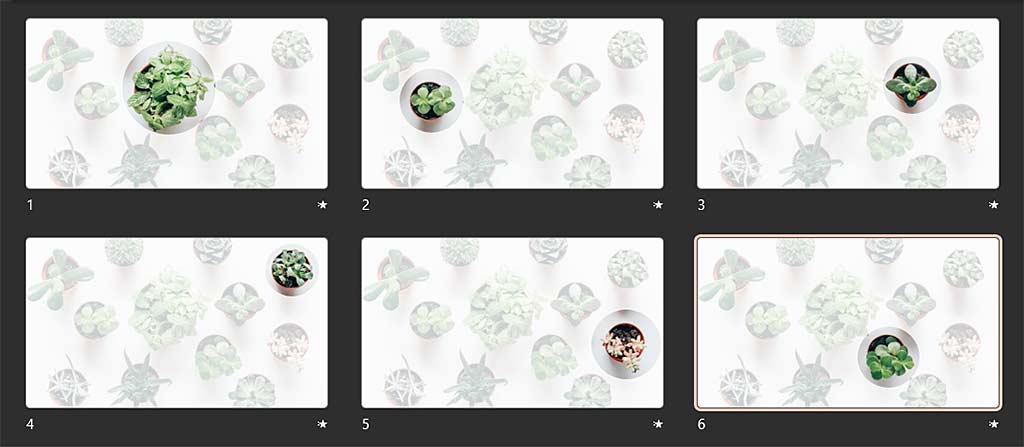
Have you used a large picture in your PowerPoint presentation that covers the entire slide area, and you now want to highlight some parts of the image more than others? Maybe, you have a picture of a lavish food spread at your restaurant, and you want to highlight individual dishes? Or you have a plant nursery, and you want to focus on some unique plants?
To learn more, choose your version of PowerPoint. If we do not have a tutorial for your version of PowerPoint, explore the version closest to the one you use.
Microsoft Windows
Using Morph to Highlight Parts of an Image in PowerPoint 365
Tutorial Code: 13 10 06
Previous: 13 10 05 Using the Morph Transition with Characters in PowerPoint
Next: 14 01 01 PowerPoint Friendly Video Formats