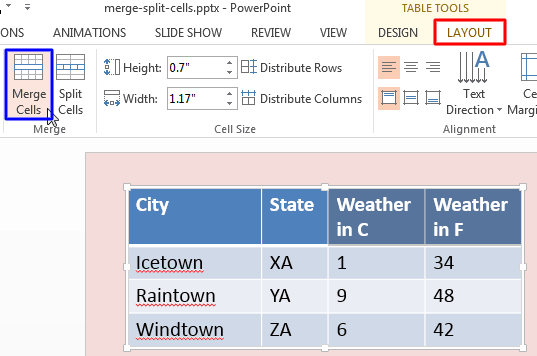
Add a table to your PowerPoint slide and then populate the table with content and then what comes next? Probably you need to add or remove rows and columns. That’s the case with most people who work with tables. But very few people realize that the table cells can be made larger or smaller without influencing the entire row or column and that’s something that can be easily achieved by merging or splitting cells in your existing table. This is essentially true for tables that have two header rows, or even with tables that have a long phrase in the header row.
To learn more, choose your version of PowerPoint. If we do not have a tutorial for your version of PowerPoint, explore the version closest to the one you use.
Microsoft Windows
Merge and Split Table Cells in PowerPoint 2013
Apple Mac
Merge and Split Table Cells in PowerPoint 2011