
Linking from within PowerPoint allows you to use your slides as a jumping point to provide even more content! We all know that the internet is a storehouse of so much content, and sometimes you may want a click on your slide to open a web page. Show the web page to your audience, close it and you are back on the slide you clicked. You can now seamlessly move on to your next slide. This sort of activity is easy to recreate.
To learn more, click a link from the tutorials listed below.
Microsoft Windows
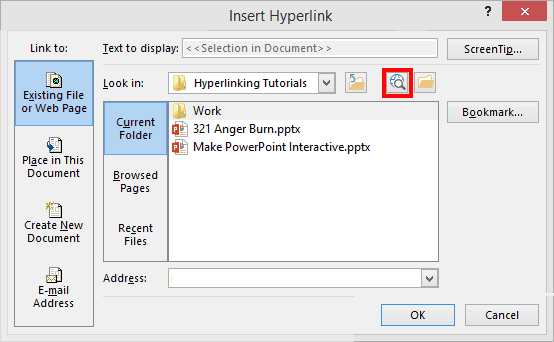
Linking to Web Pages in PowerPoint 2013
Tutorial Code: 15 02 03
Previous: 15 02 02 Linking to Another Presentation in PowerPoint
Next: 15 02 04 Hyperlinking Text in PowerPoint