
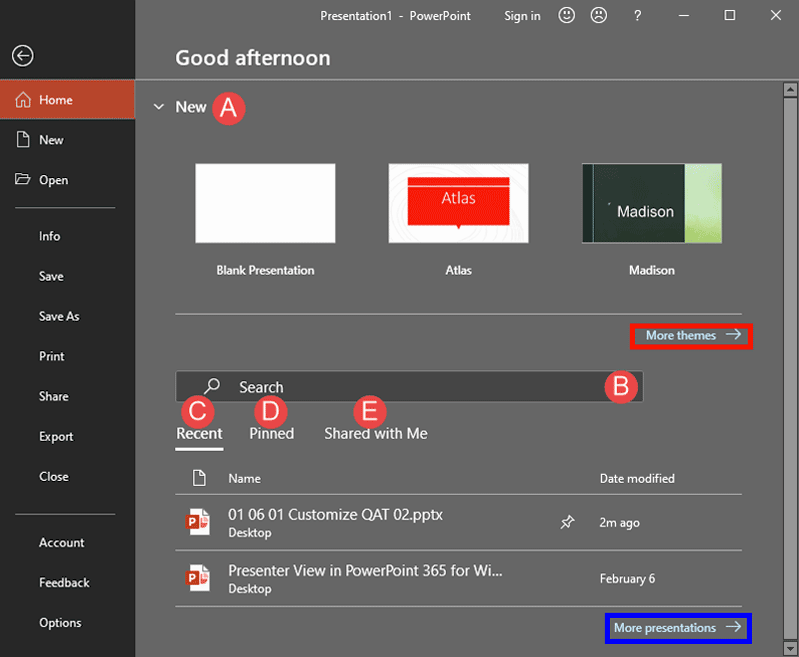
What if you are working on a presentation within PowerPoint, and want to create a new presentation, or even open another existing one? The answer is easy: you access the Home tab of Backstage view. When you bring up Backstage view, Home is the default tab.
To learn more, choose your version of PowerPoint. If we do not have a tutorial for your version of PowerPoint, explore the version closest to the one you use.
Microsoft Windows
Home Tab of Backstage View in PowerPoint 365
Home Tab of Backstage View in PowerPoint 2019
Apple Mac
Home Tab of Backstage View in PowerPoint 365
Tutorial Code: 01 08 04
Previous: 01 08 03 File Menu and Backstage View in PowerPoint
Next: 01 08 05 New Tab of Backstage View in PowerPoint