
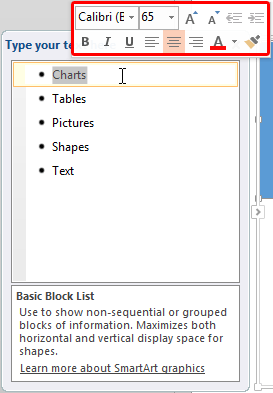
All the SmartArt layouts have text placeholders, which are basically text boxes. You can click and start typing within these placeholders to add text. In the previous tutorial, we showed you how to insert a SmartArt graphic within PowerPoint, or convert some bulleted text to SmartArt, and how the SmartArt Text Pane works.
To learn more, choose your version of PowerPoint. If we do not have a tutorial for your version of PowerPoint, explore the version closest to the one you use.
Microsoft Windows
Format Text Attributes of SmartArt Graphics in PowerPoint 2013
Format Text Attributes of SmartArt Graphics in PowerPoint 2010
Apple Mac
Format Text Attributes of SmartArt Graphics in PowerPoint 2011
Tutorial Code: 11 03 06
Previous: 11 03 05 Convert SmartArt Graphics to Shapes
Next: 11 03 07 Add Office.com SmartArt Graphics