
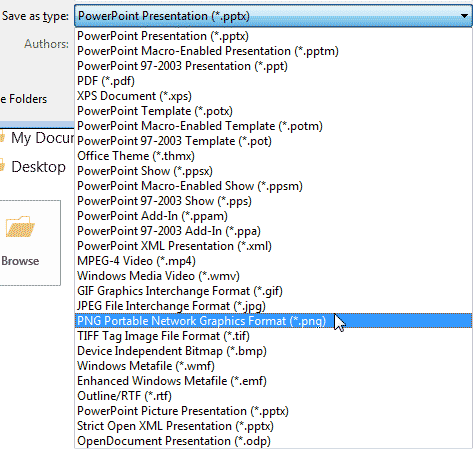
PowerPoint allows you to save your slides to many graphic file formats, which can later be used in other applications as required. One of the most popular graphic formats that you can export your slides to is PNG. This tutorial will show you how you can export slides to PNG, but using the same process; you can also export to other graphic file formats such as JPG, GIF, TIF, BMP, WMF, EMF, etc.
To learn more, choose your version of PowerPoint. If we do not have a tutorial for your version of PowerPoint, explore the version closest to the one you use.
Microsoft Windows
Exporting Graphic File Formats in PowerPoint 2013
Exporting Graphic File Formats in PowerPoint 2010
Exporting Graphic File Formats in PowerPoint 2007
Apple Mac
Exporting Graphic File Formats in PowerPoint 2011
Tutorial Code: 16 04 03
Previous: 16 04 02 Caveats in Exporting Videos in PowerPoint
Next: 16 04 04 Save as PDF in PowerPoint