
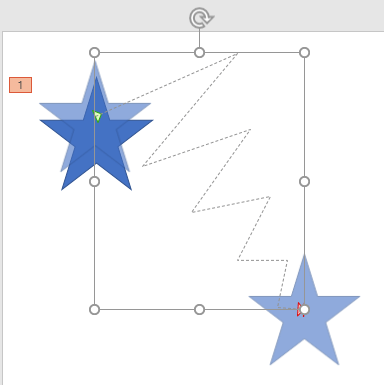
If none of the preset Motion Paths effects suit your needs, or if you cannot easily edit them to the way you want, you can easily create your own motion paths. In these tutorials, you will learn how to use PowerPoint’s Custom Path option to create your own motion path.
To learn more, choose your version of PowerPoint. If we do not have a tutorial for your version of PowerPoint, explore the version closest to the one you use.
Microsoft Windows
Drawing Custom Paths for Motion Path Animations in PowerPoint 2016
Drawing Custom Paths for Motion Path Animations in PowerPoint 2013
Drawing Custom Paths for Motion Path Animations in PowerPoint 2010
Drawing Custom Paths for Motion Path Animations in PowerPoint 2007, 2003 and 2002
Apple Mac
Drawing Custom Paths for Motion Path Animations in PowerPoint 2011
Tutorial Code: 13 02 03
Previous: 13 02 02 Getting Started with Motion Path Animations in PowerPoint
Next: 13 02 04 Reversing Paths of Motion Path Animations in PowerPoint