
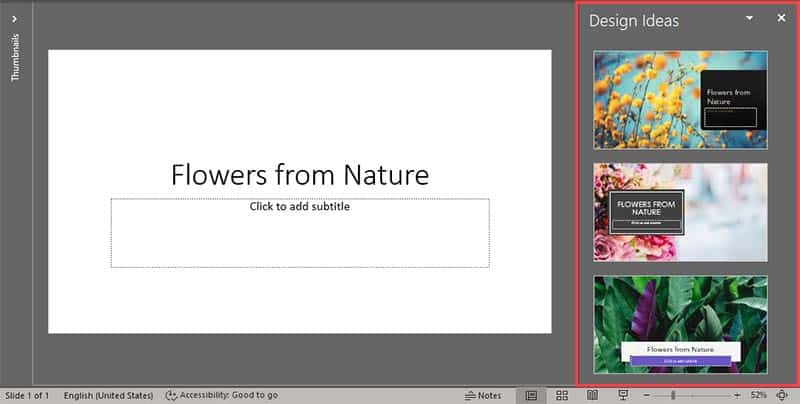
What if you added a new title slide, and typed in your title—and then get suggestions for a layout with a picture already added that uses your title content as keywords? PowerPoint Designer provides this option already. Let’s become more aware of this amazing feature that’s built using Microsoft Office’s intelligent services.
To learn more, choose your version of PowerPoint. If we do not have a tutorial for your version of PowerPoint, explore the version closest to the one you use.
Microsoft Windows
Add Photos and Layouts to Title Slides With PowerPoint Designer in PowerPoint 365
Tutorial Code: 19 01 06
Previous: 19 01 05 Creating Timelines with PowerPoint Designer
Next: 19 01 07 SmartArt With Icons from PowerPoint Designer