
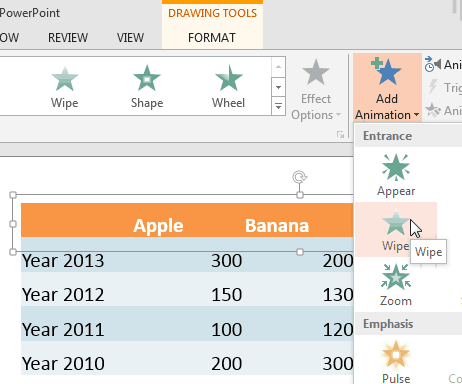
Animating table components is something that you cannot do in PowerPoint. You can either set to animate the entire table at a time, or can’t animate it at all. The solution is to first ungroup the table using the workaround explained in our Ungroup a Table in PowerPoint and then animate the ungrouped components as required. When you ungroup a table the output will be a bunch of rectangles and text boxes.
To learn more, choose your version of PowerPoint. If we do not have a tutorial for your version of PowerPoint, explore the version closest to the one you use.
Microsoft Windows
Animate Ungrouped Tables in PowerPoint 2013
Tutorial Code: 13 04 01
Previous: 13 03 12 Slice and Animate Pictures in PowerPoint
Next: 13 04 02 Fake-Animate Tables in PowerPoint