
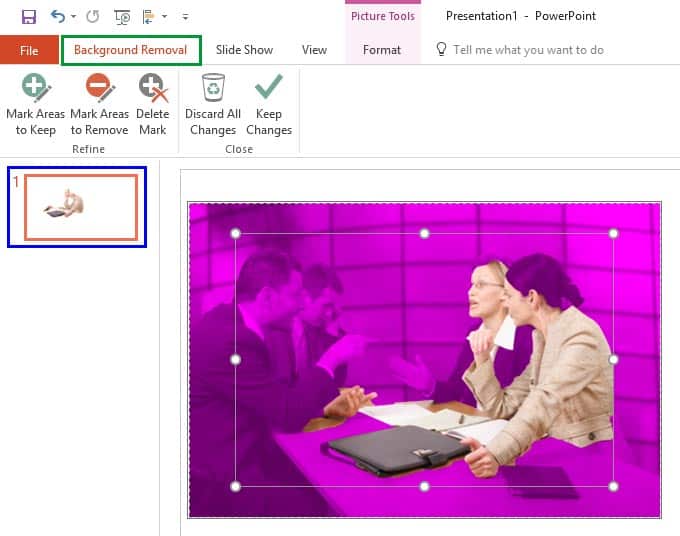
PowerPoint’s Remove Background option lets you remove the background from an inserted picture. This can be a great feature if you want to remove the sky, a wall, any backdrop, or something else in a photograph so that the slide background shows through as transparent within the removed parts of the picture.
To learn more, choose your version of PowerPoint. If we do not have a tutorial for your version of PowerPoint, explore the version closest to the one you use.
Microsoft Windows
Remove Background from Pictures in PowerPoint 2016
Remove Background from Pictures in PowerPoint 2013
Remove Background from Pictures in PowerPoint 2010
Apple Mac
Remove Background from Pictures in PowerPoint 2011
Tutorial Code: 09 05 01
Previous: 09 04 03 Reposition Picture Fills within Crop in PowerPoint
Next: 09 05 02 Advanced Background Removal Options for Pictures in PowerPoint