
This is the print version of this page. All content is copyright Indezine.com 2000-2026.
Definitions and resources for terms and techniques used in the world of presentations
See Also:
PowerPoint and Presenting Notes
PowerPoint and Presenting Glossary
Presentations Glossary in alphabetical order:
A |
B |
C |
D |
E |
F |
G |
H |
I |
J |
K |
L |
M |
N |
O |
P |
Q |
R |
S |
T |
U |
V |
W |
X |
Y |
Z
Ever peeked at a phone, tablet, or laptop screen and noticed a shiny streak gliding across it—like it’s been kissed by a spotlight? That’s called a glossy highlight, and it’s not magic (though it might look like it). It’s a visual trick designers use to give your device a polished, high-end sparkle, like it’s fresh out of the tech spa.
To learn more, choose your version of PowerPoint. If we do not have a tutorial for your version of PowerPoint, explore the version closest to the one you use.
Add Glossy Highlights for Shapes in PowerPoint

Tutorial Code: 19 04 01
Previous: 19 03 10 Trigger Animations
Next: 19 04 02 Product Development Timeline in PowerPoint
Filed Under:
C
Tagged as: 19-04, Cool Shape Ideas, PowerPoint Cool Stuff, PowerPoint Tutorials
Comments Off on Cool Shape Ideas: Add Glossy Highlights for Shapes in PowerPoint
Yes, you can draw spirographs in any version of PowerPoint, just like you can chop veggies with a butter knife. But if you’re using PowerPoint 2007 or later versions (Windows or Mac), you’ve basically been handed a professional chef’s knife and a cutting board that doesn’t slide all over the place.
To learn more, choose your version of PowerPoint. If we do not have a tutorial for your version of PowerPoint, explore the version closest to the one you use.
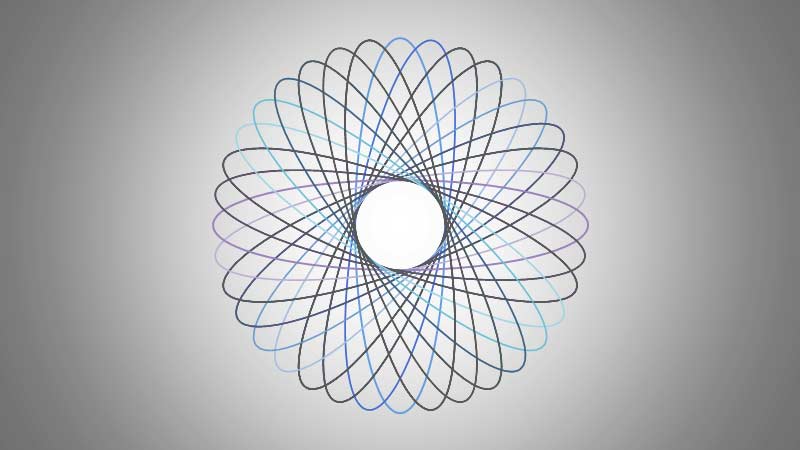
Tutorial Code: 19 04 04
Previous: 19 04 03 Text with Bites in PowerPoint
Next: 19 04 05 Picture Spirographs in PowerPoint
Filed Under:
C
Tagged as: 19-04, Cool Shape Ideas, PowerPoint Cool Stuff, PowerPoint Tutorials
Comments Off on Cool Shape Ideas: Spirographs in PowerPoint
Think of a PowerPoint slide as your digital stage. Sure, you could leave it bare—like performing Shakespeare in a vacant parking lot—but most folks prefer a bit of visual flair. That’s where slide backgrounds come in. They’re not just wallpaper; they’re identity badges. Just like superheroes have signature costumes (you wouldn’t mistake Batman for Superman, right?), your slide background signals who you are and what you stand for.
To learn more, choose your version of PowerPoint. If we do not have a tutorial for your version of PowerPoint, explore the version closest to the one you use.
The Need for Slide Backgrounds in PowerPoint

Tutorial Code: 04 10 01
Previous: 04 09 02 Upload New Twitter Background
Next: 04 10 02 Creating Slide Backgrounds in Photoshop for PowerPoint
Filed Under:
O
Tagged as: 04-10, Other Tutorials, PowerPoint Tutorials, Themes Templates Masters and Layouts
Comments Off on Other Template Tutorials: The Need for Slide Backgrounds in PowerPoint
If you’ve tried the first Spirograph tutorial and thought, “Whoa, this is cool!”—well, buckle up. This version is like a sequel with extra sparkle. Same idea, fresh twists. Think of it like baking another batch of cookies—same dough, new shapes, even tastier results.
To learn more, choose your version of PowerPoint. If we do not have a tutorial for your version of PowerPoint, explore the version closest to the one you use.
Picture Spirographs in PowerPoint

Tutorial Code: 19 04 05
Previous: 19 04 04 Spirographs in PowerPoint
Next: 19 04 06 Distance Cartograms in PowerPoint
Filed Under:
C
Tagged as: 19-04, Cool Shape Ideas, PowerPoint Cool Stuff, PowerPoint Tutorials
Comments Off on Cool Shape Ideas: Picture Spirographs in PowerPoint

Jon Peltier is a master of leveraging the power of Excel to produce and simplify complex solutions in engineering, finance, and marketing. Jon holds a Doctor of Science degree from MIT in Metallurgy; his background includes Manufacturing, Statistics, Total Quality, and Six Sigma; and he knows more about Excel charts than practically anyone.
Here’s a list of links on Indezine.com where he has been featured:
 Peltier Tech Charts for Excel: Conversation with Jon Peltier
July 7, 2025
Filed Under:
J
Tagged as: Personality
Comments Off on Jon Peltier
Microsoft and the Office logo are trademarks or registered trademarks of Microsoft Corporation in the United States and/or other countries.