
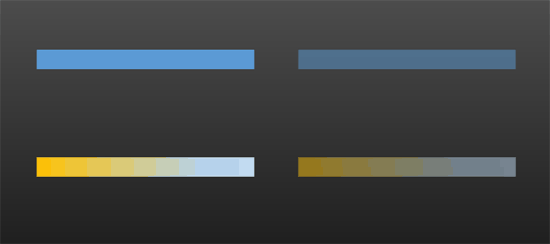
Shape Line attributes such as solid colors and gradients have a transparency attribute that lets you reduce the opacity of the line so that the slide object or background behind shows through. Transparency is calculated in percentages and you can change its value all the way from 0 to 100%.
To learn more, choose your version of PowerPoint. If we do not have a tutorial for your version of PowerPoint, explore the version closest to the one you use.
Microsoft Windows
Transparency for Shape Lines in PowerPoint 2016
Transparency for Shape Lines in PowerPoint 2013
Transparency for Shape Lines in PowerPoint 2010
Apple Mac
Transparency for Shape Lines in PowerPoint 2011
Tutorial Code: 08 02 08
Previous: 08 02 07 No Line for Shapes in PowerPoint
Next: 08 03 01 Applying Effects for Shapes in PowerPoint