
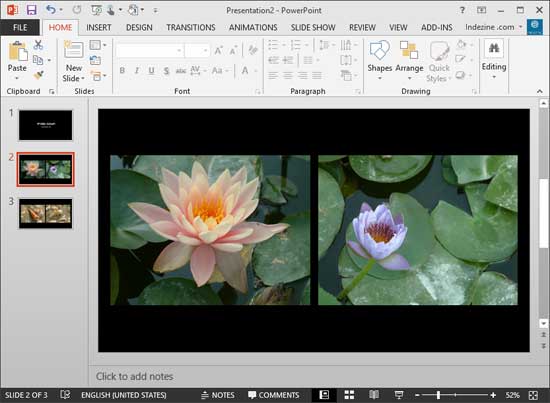
If you like to use many pictures in your PowerPoint presentations, then you’ll be glad to know that PowerPoint can import pictures in several formats – from the ubiquitous JPG to the ancient BMP. Whichever file format you use, importing tens or even hundreds of pictures into consecutive PowerPoint slides can be a chore – fortunately, the awesome Photo Album feature makes this task a simple affair.
To learn more, choose your version of PowerPoint. If we do not have a tutorial for your version of PowerPoint, explore the version closest to the one you use.
Microsoft Windows
Create Photo Album in PowerPoint 2013
Create Photo Album in PowerPoint 2010
Tutorial Code: 09 07 01
Previous: 09 06 04 Reorder Pictures in PowerPoint
Next: 09 07 02 Editing Your Photo Album in PowerPoint