
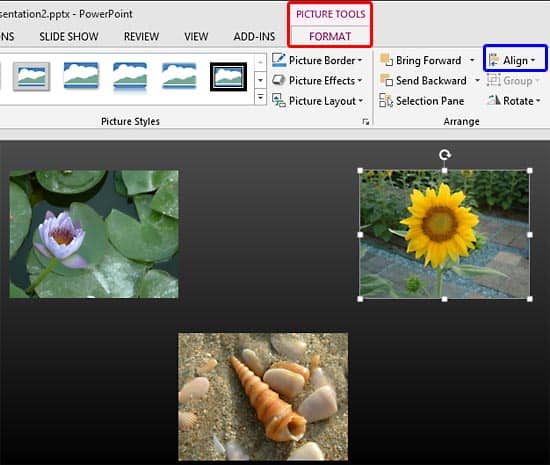
Whichever slide objects you place on your PowerPoint slide, their position and alignment matters a lot, be it shapes or even the many inserted pictures.
To learn more, choose your version of PowerPoint. If we do not have a tutorial for your version of PowerPoint, explore the version closest to the one you use.
Microsoft Windows
Align and Distribute Pictures in PowerPoint 2016
Align and Distribute Pictures in PowerPoint 2013
Align and Distribute Pictures in PowerPoint 2010
Apple Mac
Align and Distribute Pictures in PowerPoint 2011
Tutorial Code: 09 06 02
Previous: 09 06 01 Resize, Rotate, and Flip Pictures in PowerPoint
Next: 09 06 03 Group Pictures in PowerPoint